Your first Qimen divination — step by step
A click-by-click walkthrough from the side menu to the AI conversation about your chart.
Updated 2026-05-06
This guide walks through every screen in the Qimen flow, in the same order you'll meet them. Total time end-to-end: about two minutes.
1. Open Qimen Divinations from the menu
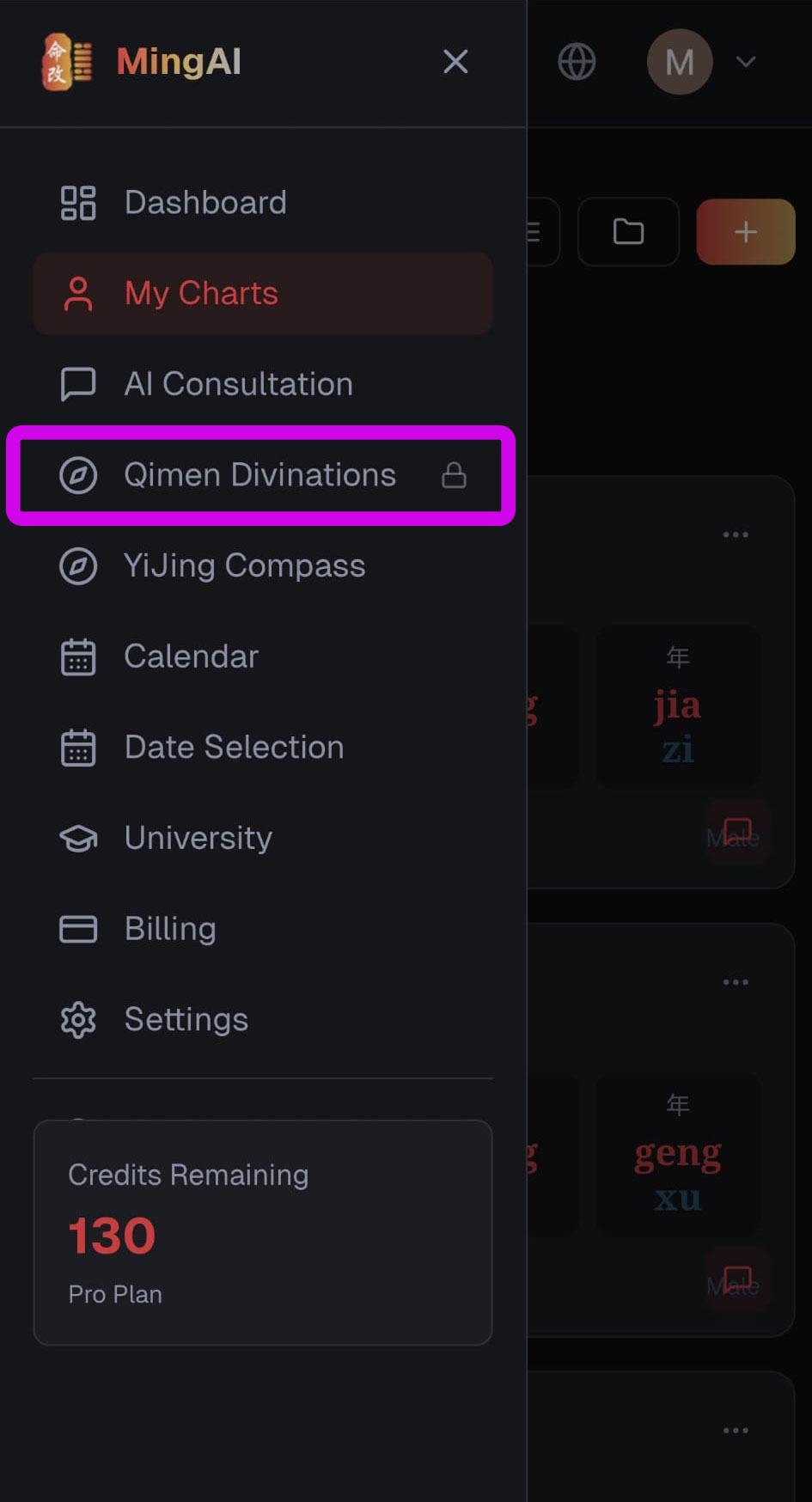
Tap the menu icon in the top-left, then choose Qimen Divinations. If you haven't subscribed to the Qimen add-on yet, you'll see a small lock badge — that's normal, the next step covers it.
2. Activate the Qimen Dunjia add-on
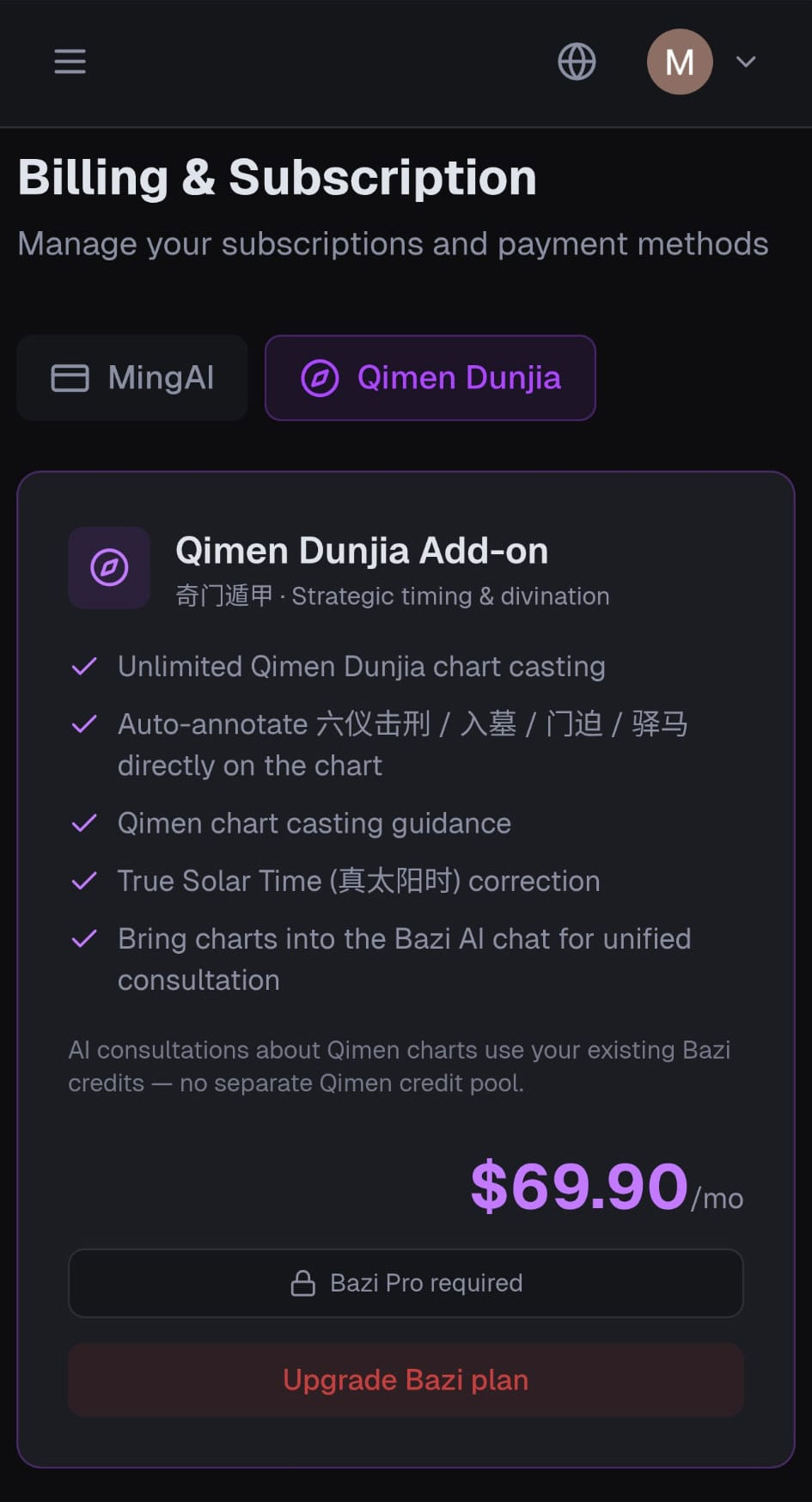
If your account doesn't have Qimen yet, you'll land on Billing & Subscription → Qimen Dunjia. Pick up the add-on for $88.8/mo to unlock unlimited chart casting, automatic 击刑 / 入墓 / 门迫 / 驿马 annotations, True Solar Time correction, and the ability to bring your charts into the AI chat.
Qimen is sold as an add-on to a Bazi plan — if you don't have an active Bazi subscription, you'll be prompted to upgrade your Bazi plan first. AI consultations on Qimen charts use your existing Bazi credits, so there's no separate Qimen credit pool to manage.
3. Open My Divinations
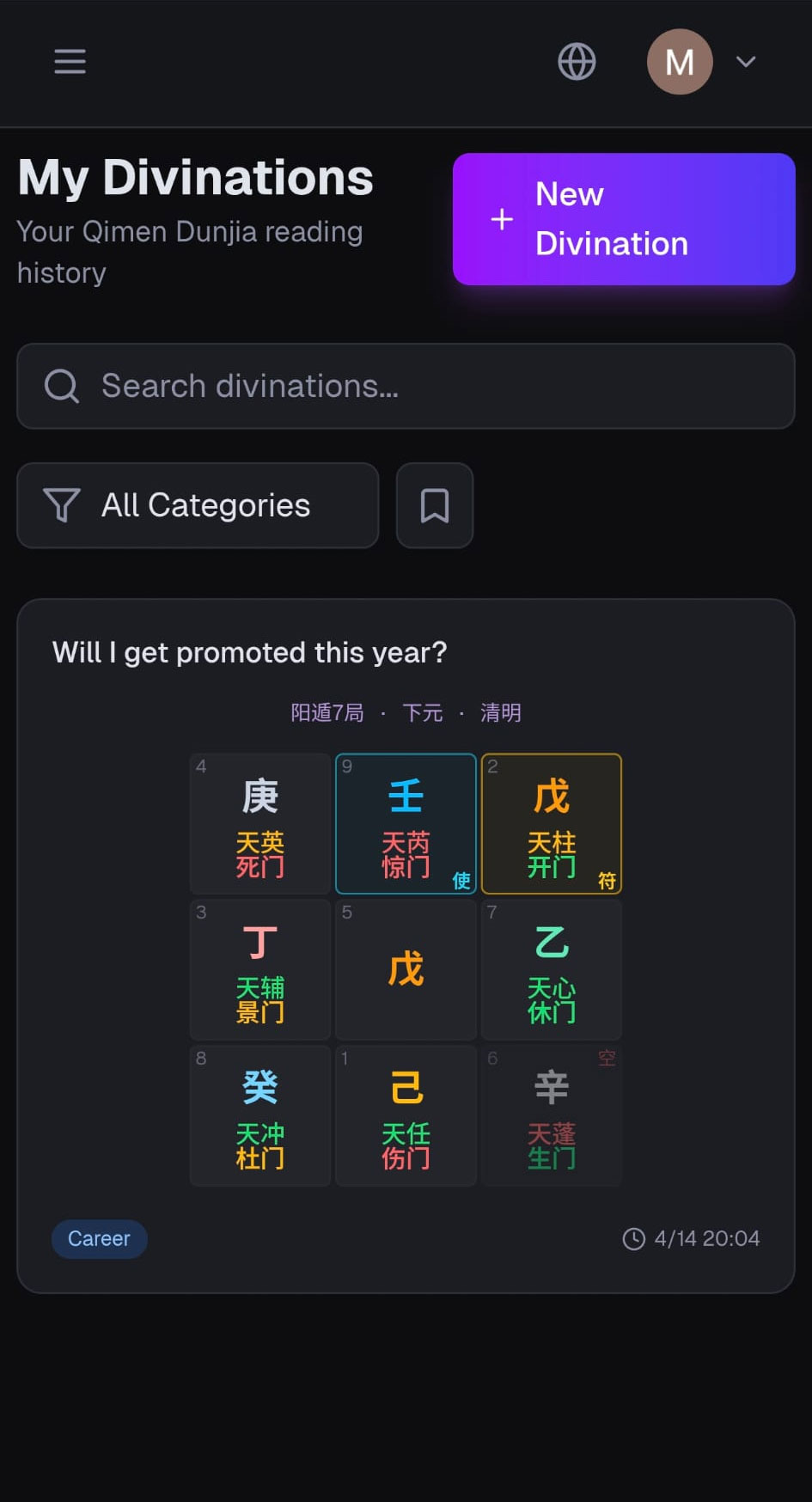
Once subscribed, the My Divinations screen is your home base. Past readings are listed here with their question, mini-chart, and category tag — search or filter to find an old chart, or hit + New Divination to start fresh.
4. Centre yourself before you ask
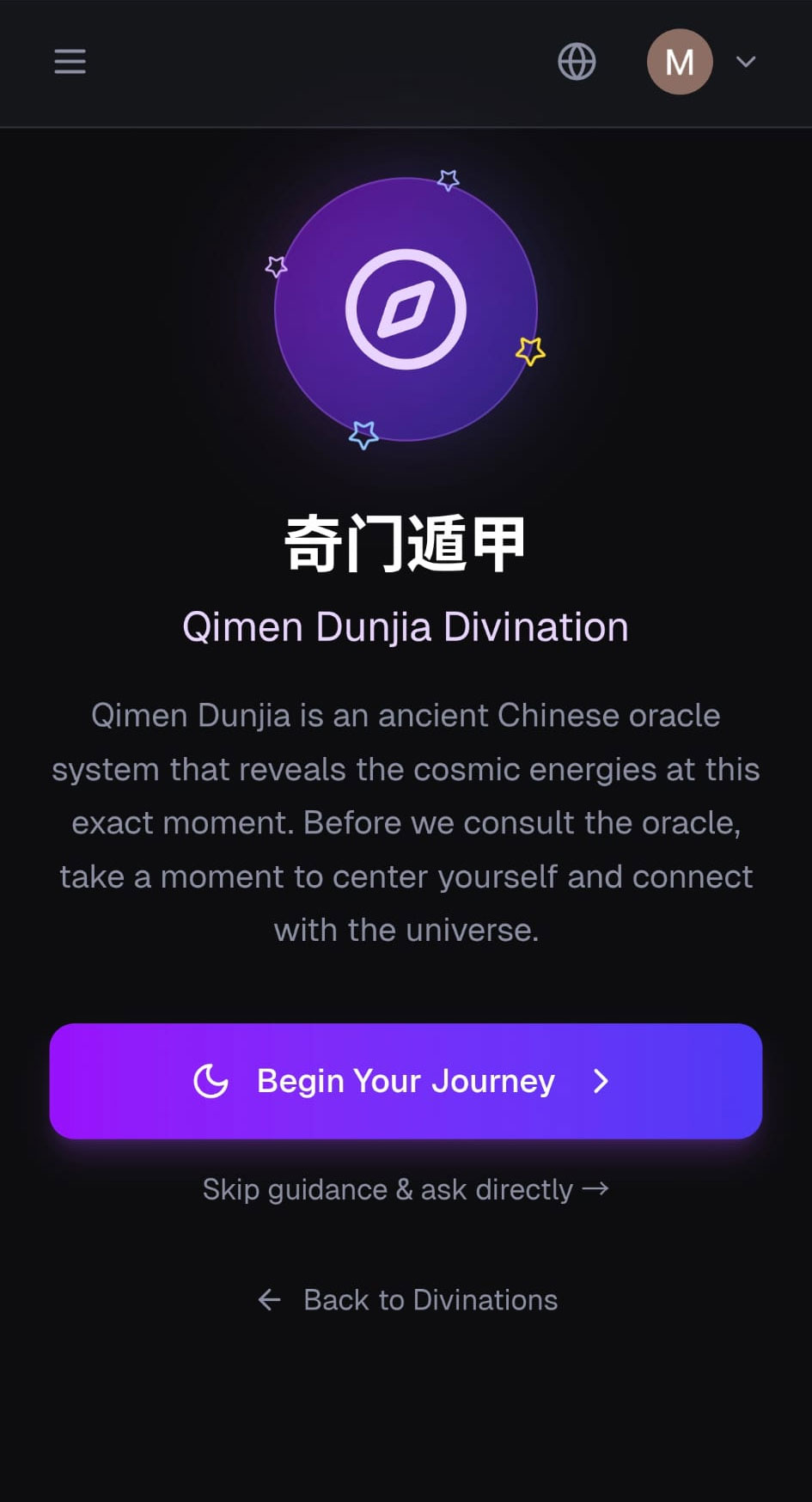
Qimen reads the energy of the moment you ask the question, so the app deliberately slows you down. Tap Begin Your Journey to walk through a brief breathing/focus sequence, or Skip guidance & ask directly if you've already settled your mind.
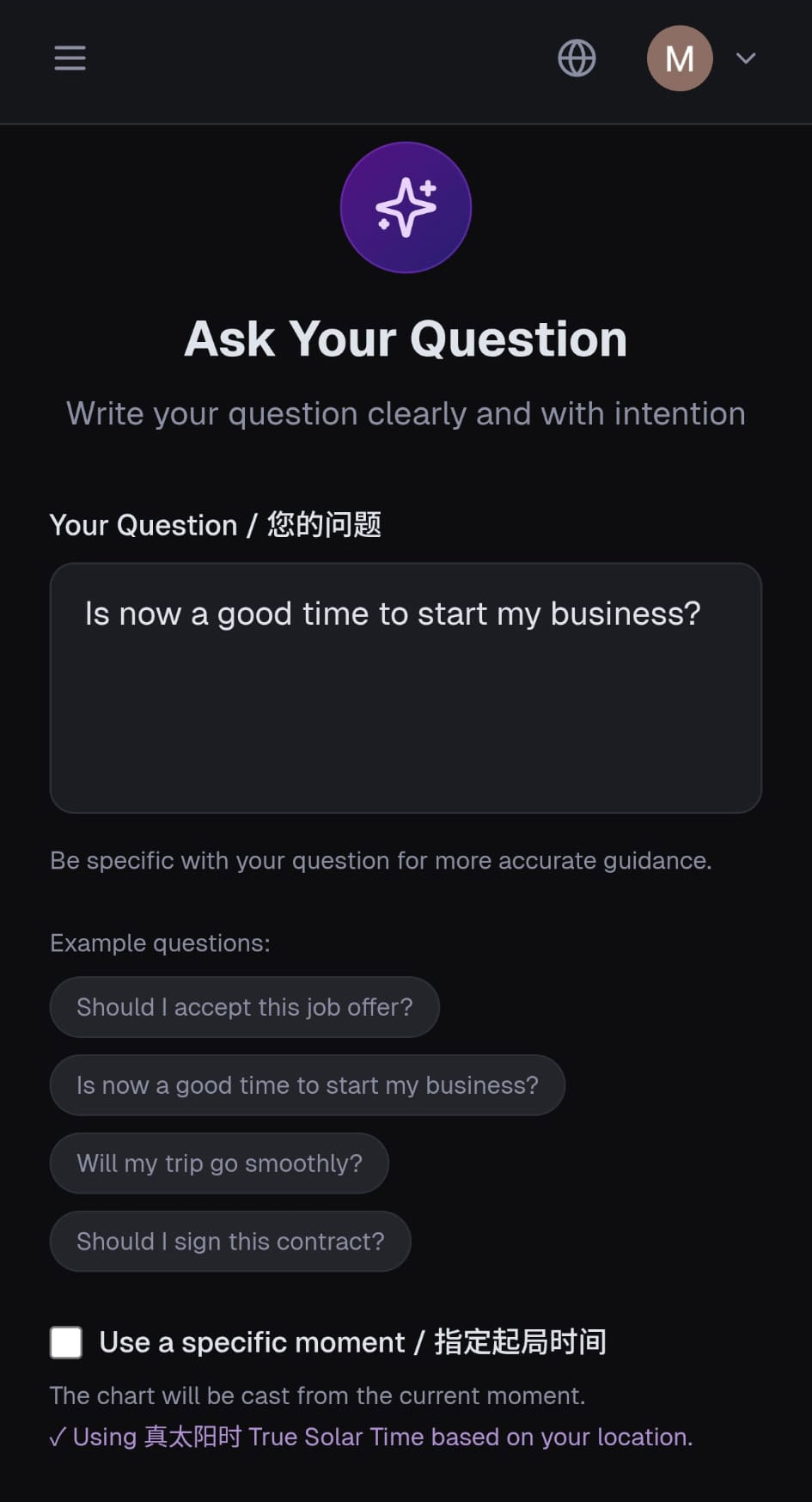
5. Write your question with intention
State your question in one or two sentences. Specific questions get sharper readings — "Should I take this overseas job offer?" works far better than "What's up with my career?". Tap one of the example questions to use it as a starting point.
If you want the chart cast for a moment other than now — for example, to analyse a meeting that already happened — toggle Use a specific moment / 指定起局时间 and pick the date and time.
6. Read your Qimen chart
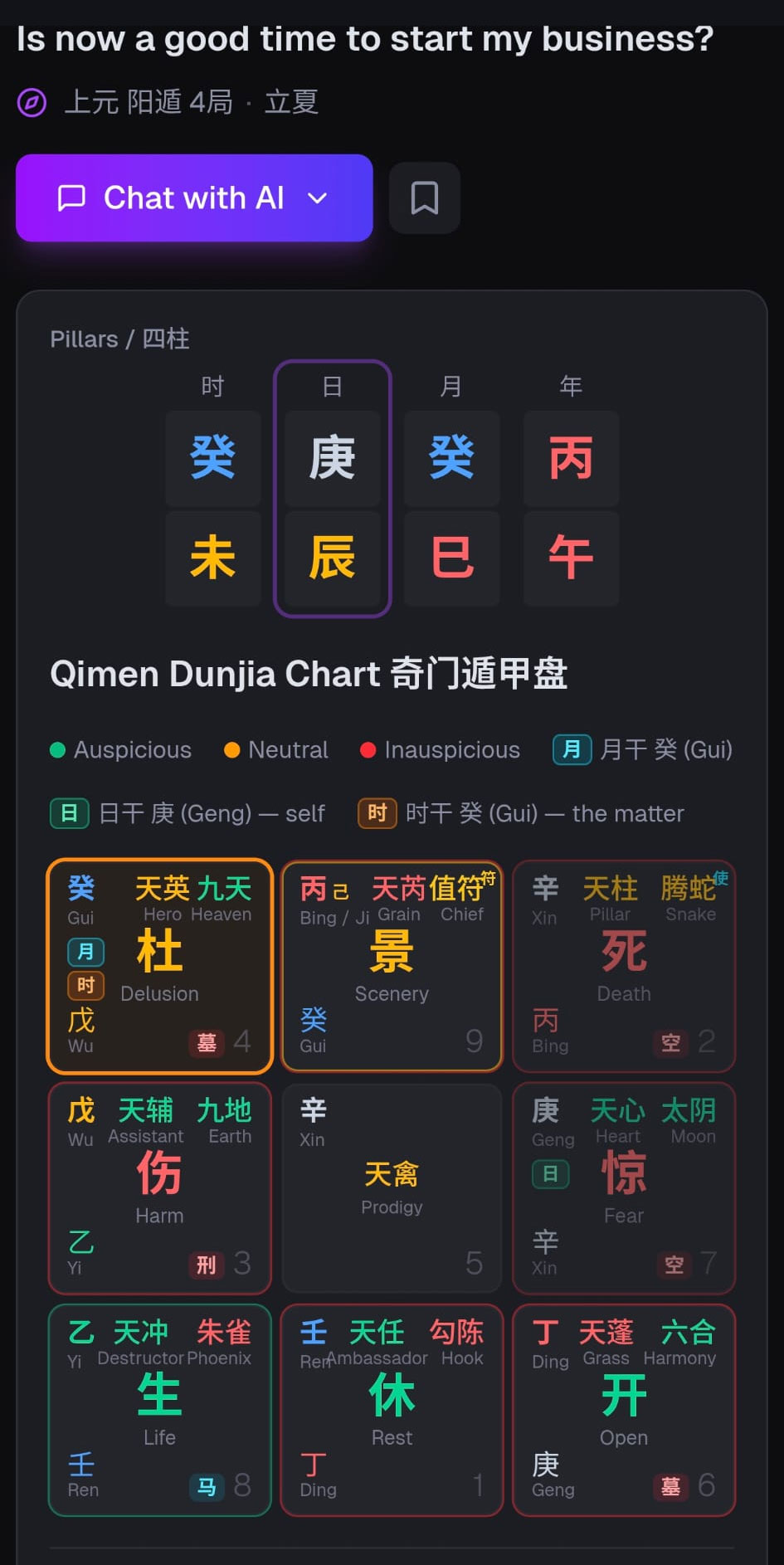
The result page shows the four pillars at the top and the full Qimen Dunjia chart underneath, with stems, gates, stars, gods, and pattern badges (墓/刑/迫/马) annotated on the relevant palaces. The 月/日/时 pills mark which palace each pillar's heaven stem flew into; the orange-ringed palace holds the 时干 — the matter of your question.
7. Ask the AI to interpret it
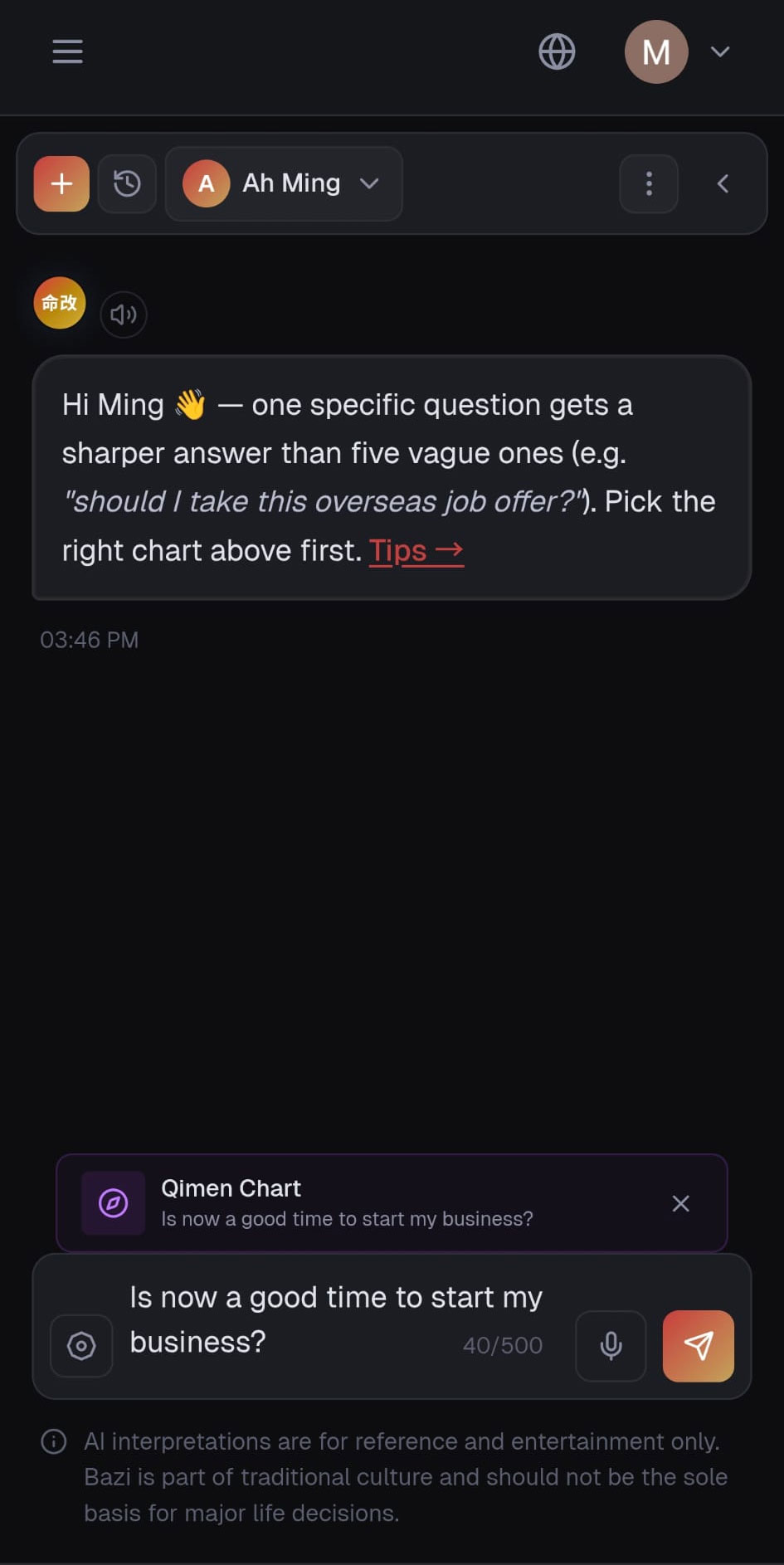
Tap Chat with AI to bring the chart straight into a conversation. MingAI will read the chart in context — useful god, palace overlapping, four transformations, three-and-four positions — and you can keep asking follow-up questions. The chart stays attached to the thread, so the AI's reasoning is always grounded in the same casting.
That's the full loop. From here, jump to How Qimen divination works for the conceptual background, or Qimen credits and plans for billing details.
Still need help?
Contact us