Creating your first Bazi chart
What information you need and what the resulting chart shows.
Updated 2026-04-15
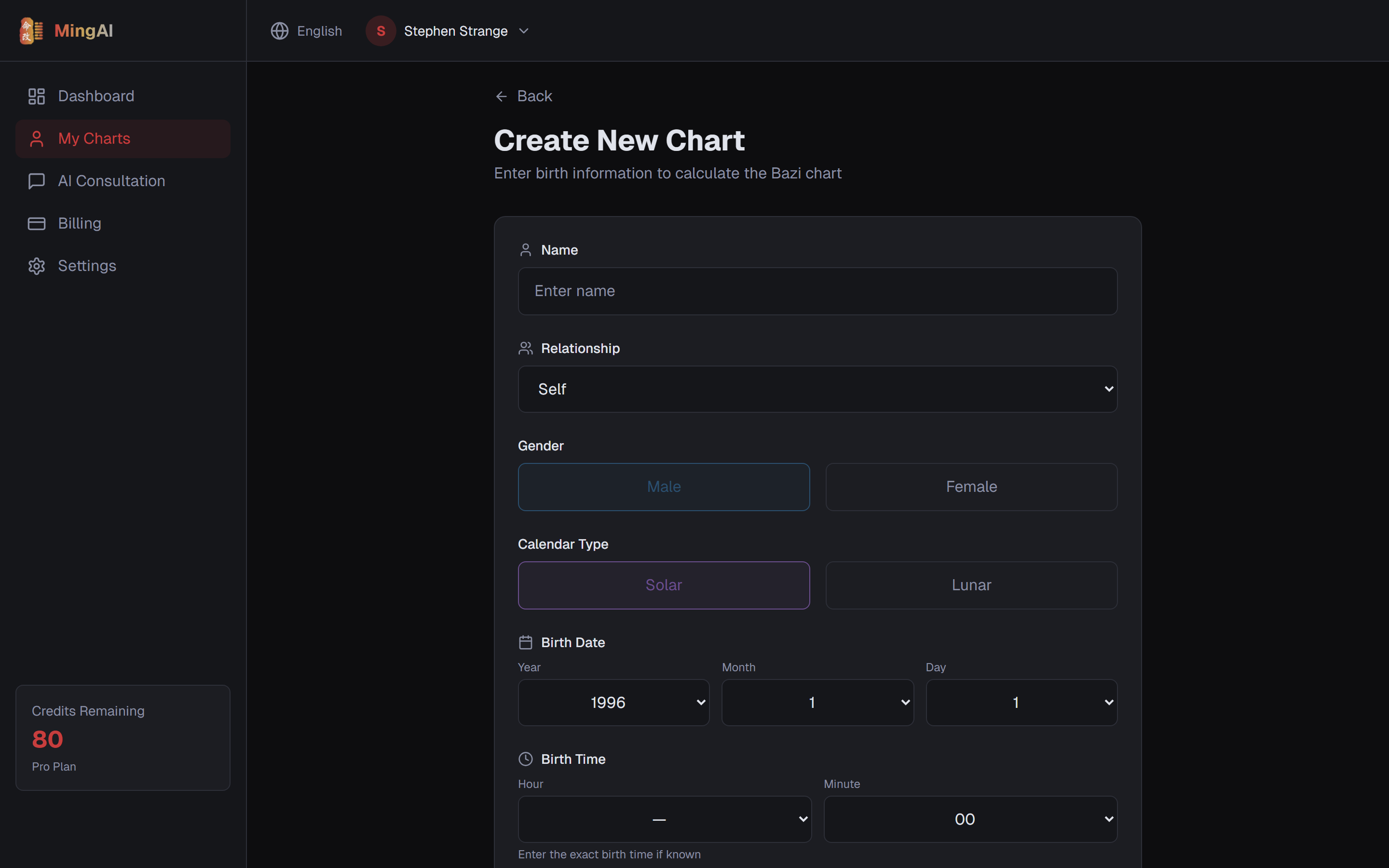

A Bazi chart needs three things: date of birth, time of birth, and place of birth. Accurate time matters — the hour pillar changes every two hours, which can completely flip the chart.
Step by step
- From the dashboard, click New Chart.
- Enter the subject's name (yours or someone else's — you can create multiple charts).
- Pick the date of birth.
- Pick the time of birth. If you only know "afternoon" or "morning," make a best guess and note it — you can regenerate the chart later with a corrected time.
- Enter the place of birth. MingAI converts this to True Solar Time so the hour pillar lands on the correct 地支.
- Submit.
What the chart shows
A freshly-generated chart displays:
- Four Pillars (年月日时 — Year, Month, Day, Hour) with heavenly stem and earthly branch for each. The Day Master is the stem of the Day pillar — it represents you.
- Ten Gods above each stem — relationships between other stems and your Day Master (e.g. 正官, 七杀, 比肩).
- Hidden stems inside each earthly branch.
- Interactions — clashes (冲), combinations (合), harms (害), punishments (刑) — rendered as a visual diagram below the pillars.
- Da Yun — ten-year luck cycles.
- Liu Nian — annual pillars for the upcoming years.
Reading order
If you're new to Bazi, read in this order: Day Master → elemental balance → Ten Gods → interactions → Da Yun/Liu Nian. Each layer adds context to the previous one. Reading the four pillars walks through a worked example.
Still need help?
Contact us